
Telemetry
The Telemetry page allows you to manage the collection of anonymous operational data. This data helps Logmanager developers understand how the platform is used and guides future product improvements.
This option controls the transmission of system health and usage data to the vendor. The purpose is to provide visibility into active software versions, hardware resource utilization, and feature adoption rates.
To update your telemetry configuration:
- Navigate to Settings > System > Telemetry.
- Locate the Settings section.
- Select the radio button for your preferred state for Enable telemetry.
- Click Save to apply the changes.
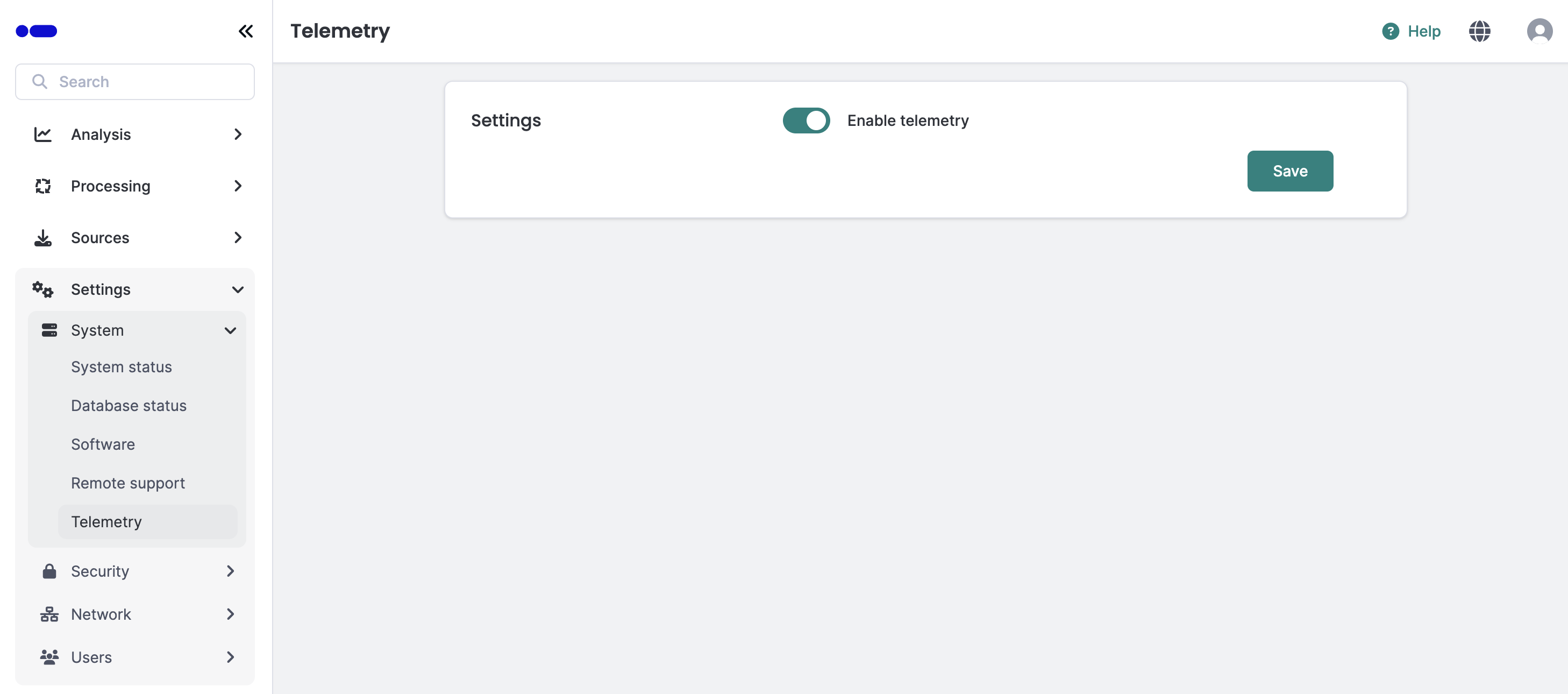
Telemetry settings form