
Remote support
The Remote support page allows you to manage how Logmanager communicates with the vendor for troubleshooting and system maintenance. Use these settings to authorize remote access and automate the delivery of diagnostic information.
Use the Settings section to configure your privacy and support preferences. These options determine the level of access and data shared with the vendor.
When this option is selected, Logmanager establishes a secure communication channel that allows the vendor’s support team to access your instance remotely.
When this option is selected, Logmanager identifies system-level errors and transmits a diagnostic report to the vendor’s support infrastructure.
To update your support configuration:
- Navigate to Settings > System > Remote support page.
- Locate the Settings section.
- Select the radio button for your preferred state for both Enable remote vendor connection and Automatically send error reports to vendor.
- Click Save to apply the changes.
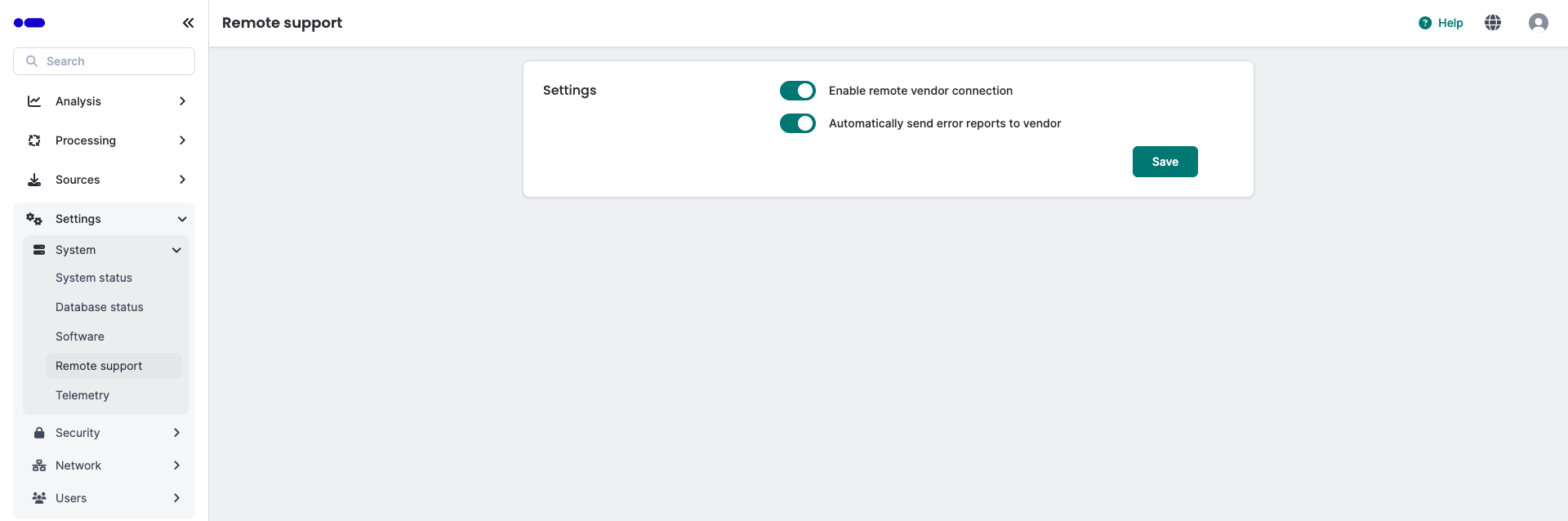
Remote support form