
Settings
You can choose certificates you previously added in the TLS certificates screen to serve as the active certificates for your Logmanager web interface and Windows Agents.
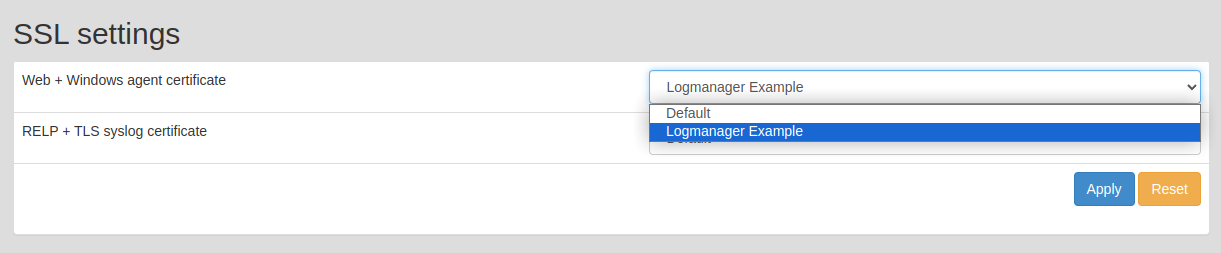
TLS settings
The security level is set to LEVEL 2, which corresponds to 112 bits of security. For more detailed information on which cipher suites you can use and the limitations of this security level regarding certificate creation, see https://docs.openssl.org/master/man3/SSL_CTX_set_security_level/#default-callback-behaviour.
If you need RELP protocol functionality, you can also choose a specific certificate here. You do not need to use the same certificate as the one you chose for the web interface.