
General settings
In the general settings, you can configure the parameters for session duration.
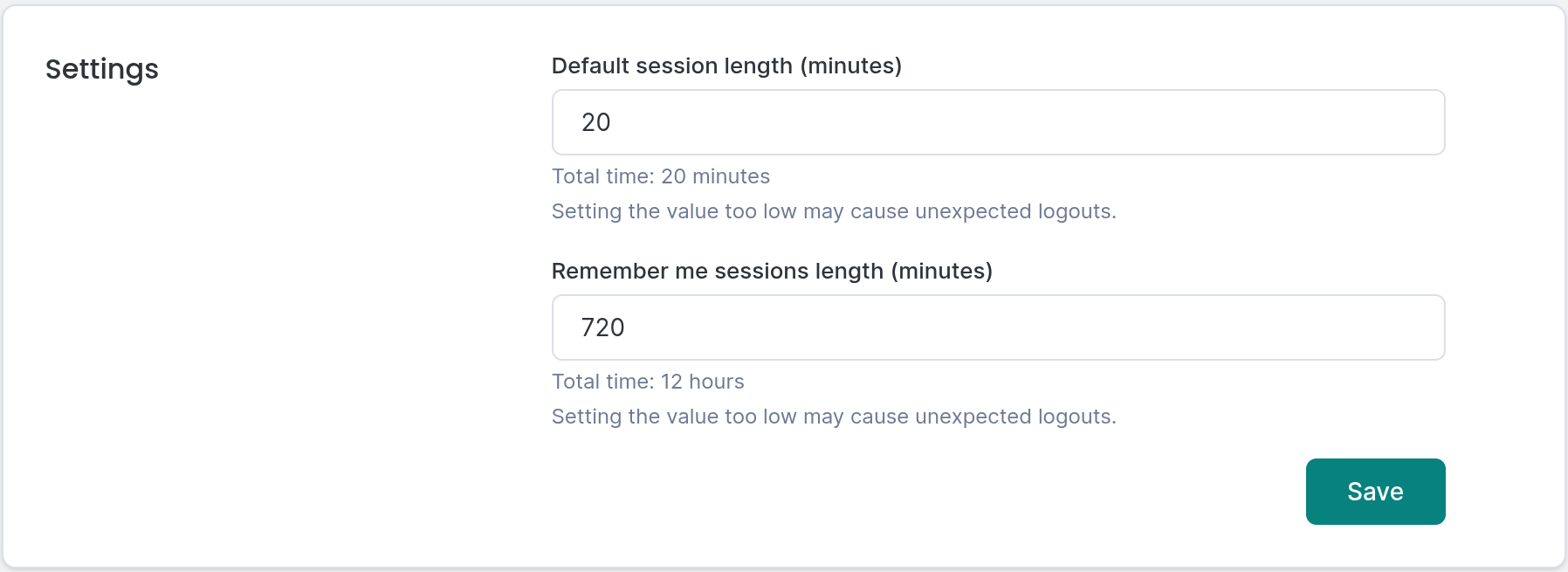
General settings
The following options are available:
- Default session length
- Remember me sessions length
Both options are set in minutes and determine how long a user will remain logged in if they are inactive.
The default session length applies to a standard login, while the session length with the Remember me option is used if the user selects this option during login.
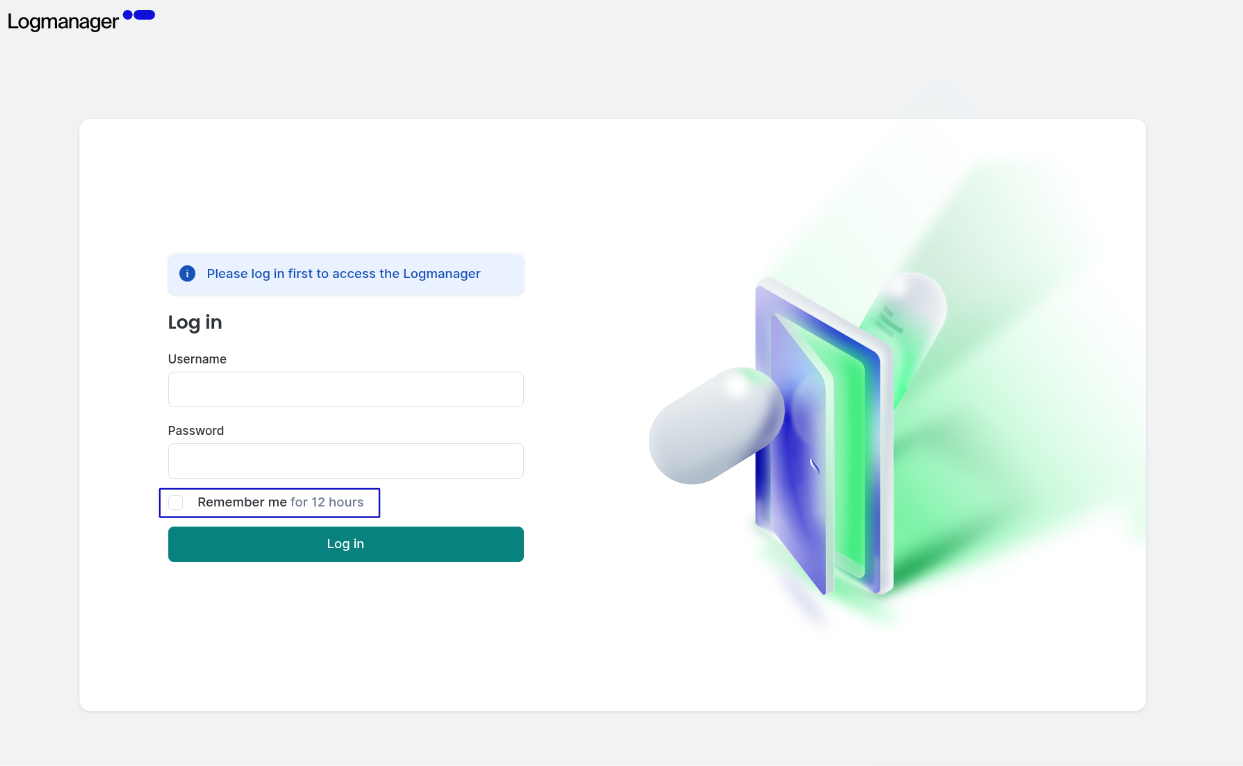
Login screen
| Setting | Minimum Value | Maximum Value | Default Value |
|---|---|---|---|
| Default session length | 5 minutes | 20160 minutes (14 days) | 20 minutes |
| “Remember me” session length | 5 minutes | 20160 minutes (14 days) | 720 minutes |
The default session length for API communication is 180 minutes.
It is currently not possible to change the session length for API communications.