
Trunks
For higher network loads, Logmanager allows you to aggregate network lines. You can configure aggregation in the Trunks section.
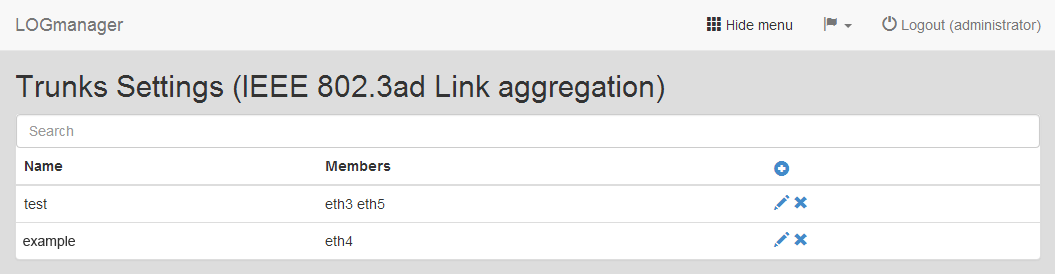
Trunks
The table displays the group name (Name) and the associated members (Members).
You can add, edit, or delete trunks.
- Click the Plus icon to open the trunk creation form.
- Enter the following details:
- Name: Enter a name for the trunk.
- Interfaces: Select a network interface from the drop-down menu and click Add. The interface moves to the lower field. Repeat this step to add more interfaces for the aggregation.
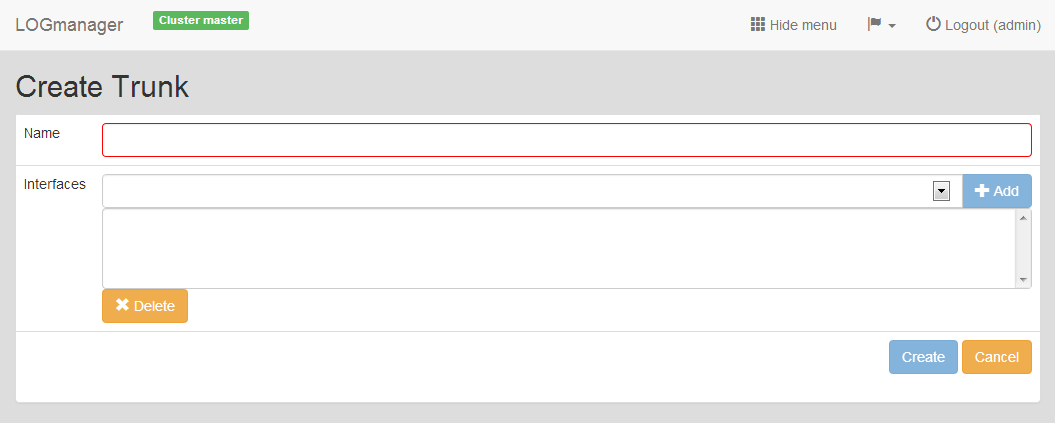
Adding new Trunk
To edit a trunk, click the Pencil icon.
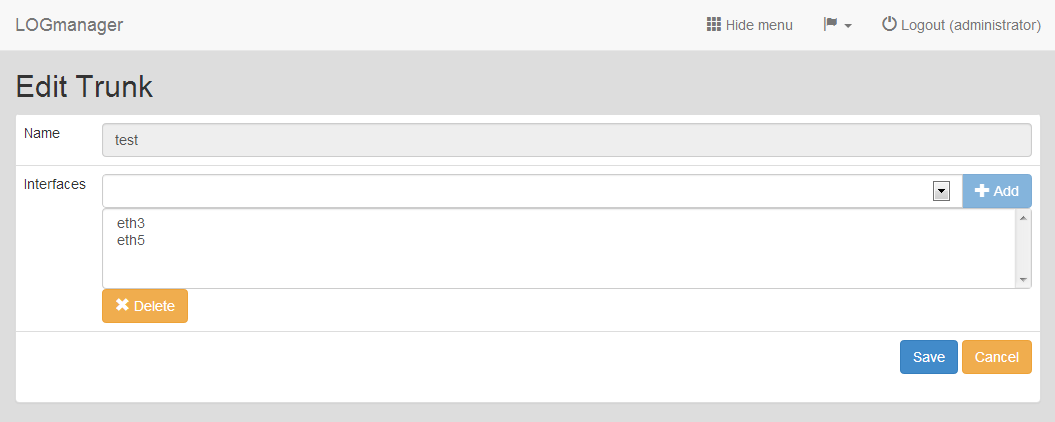
Editing existing Trunk
You can change the network interfaces during editing, but you cannot change the group name.
Select the trunk you want to remove and click the Cross icon. Confirm the action in the deletion dialog.