
SMTP
Logmanager uses an active module to send email messages. To ensure it functions properly, you must set the SMTP server through which the system sends emails in the SMTP section.
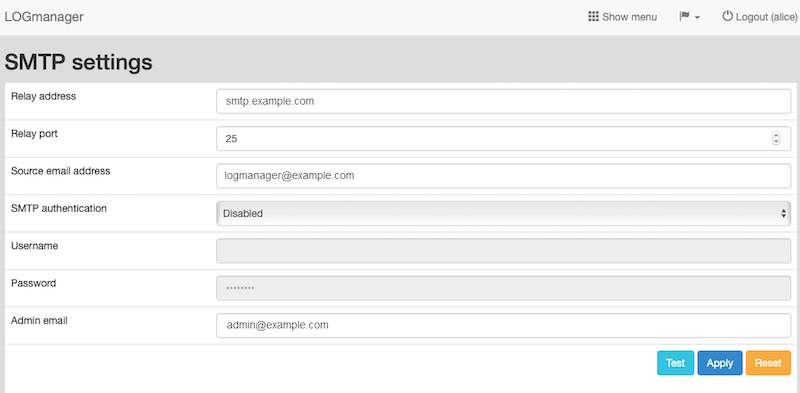
SMTP
You must fill out all available fields:
- Relay address: Enter the address of the SMTP server that sends the emails.
- Relay port: Enter the port the SMTP server uses to communicate (typically 25).
- Source email address: Enter the email address that appears as the sender.
- Admin email: Enter the administrator’s email address. You can add multiple addresses by separating them with a space.
If you enable this, the SMTP relay uses the provided username and password to authorize with the external SMTP server.
- Port 25 - Use for simple plain text SMTP relay.
- Port 465 - Use for SMTP relay with TLS encryption (deprecated in RFC 6409).
- Port 587 - Use for SMTP relay with TLS encryption.
The system uses plain text SMTP relay for any other port.