
Proxy
If you use a proxy server in your network, you can set it up in the Proxy section.
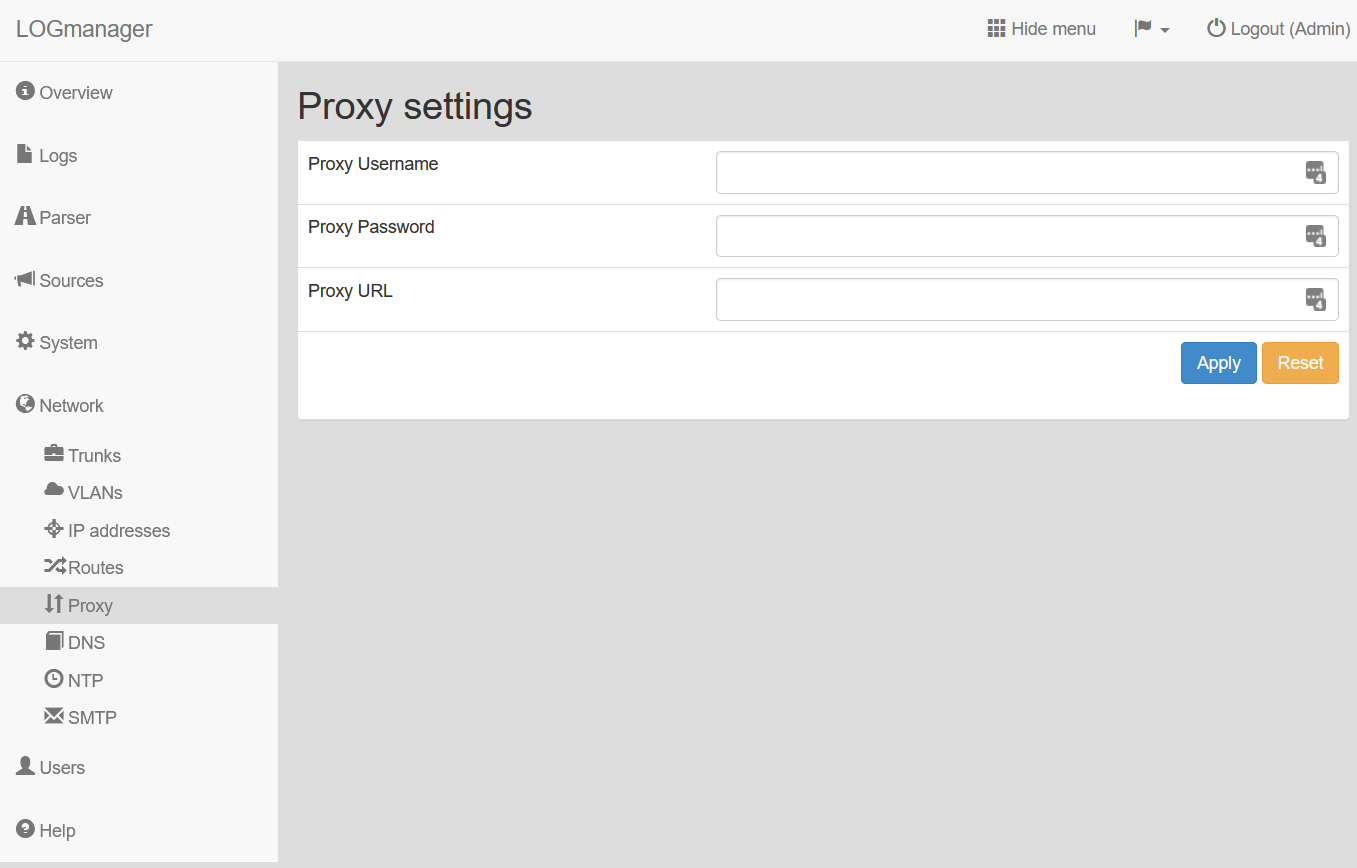
Proxy server settings
Enter the following values:
- Proxy Username: Your login name for the proxy server.
- Proxy Password: Your password for the proxy server.
- Proxy URL: The URL address of your proxy server.
If you use a specific port for your proxy, add the port to the URL in the Proxy URL field. For example: https://192.0.2.0:3129.
You can use both HTTP and HTTPS in the Proxy URL field.