
NTP
To ensure all logs have the correct time, Logmanager uses an NTP server. You can configure multiple time servers to ensure time synchronization remains stable.
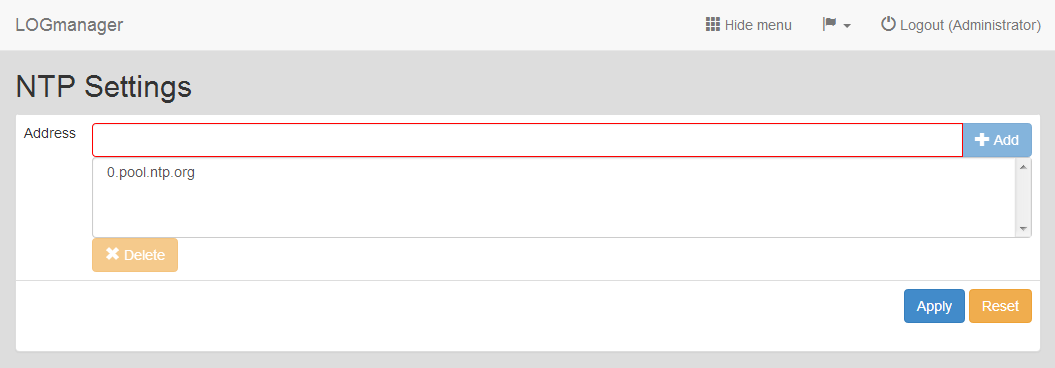
NTP configuration
You can add, delete, or reset NTP servers.
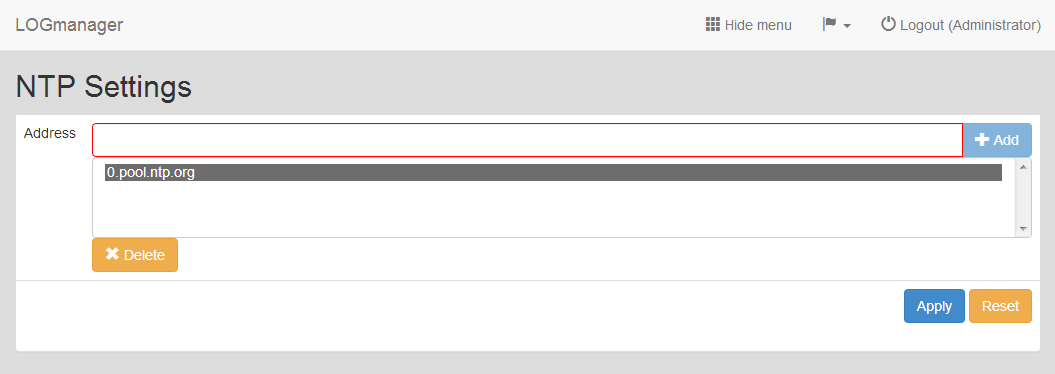
Add NTP address
- Click Add.
- Enter the NTP address into the NTP Address field.
- Click Save.
- Click Delete next to the NTP server address you want to remove.
- Confirm the action in the dialog.
After you delete the last NTP server, Logmanager automatically resets the NTP settings to the factory default configuration.
To revert all NTP settings to the factory default configuration, click Reset and confirm the action.
If you use the Microsoft NTP service in your network, note that Microsoft NTP is not implemented by default. If you only configure NTP servers running on Microsoft operating systems, time synchronization might fail in exceptional cases. When this happens, Logmanager will notify the administrator via email.
To fix this, add at least one NTP server that runs outside the Microsoft platform. You can run the NTP service on a Linux server or on a backbone active element within your network. If you do not have these options, add at least one internet-based NTP server. You can add an address of a public NTP server pool as listed by regions at ntppool.org.
Microsoft states in their official documentation that they have not implemented this service correctly. For more information, see the Windows Time Service documentation.
“Although the Windows Time service is not an exact implementation of the Network Time Protocol (NTP), it uses the complex suite of algorithms that is defined in the NTP specifications to ensure that clocks on computers throughout a network are as accurate as possible. Ideally, all computer clocks in an AD DS domain are synchronized with the time of an authoritative computer.”