
Substitutions
Substitutions are enhanced features for parsing rules that serve as templates for regular expressions. Instead of repeatedly typing complex regular expressions into individual blocks, you can define a substitution once and reuse it throughout the system.
This feature is designed for use with the Regex assign block. While this block includes several integrated types, you can add custom types via substitutions to extend its functionality.
Substitution Example:
If you frequently need to parse a VLAN ID (an integer between 1 and 4 characters long), you can define a substitution using the regular expression [0-9]{1,4}.
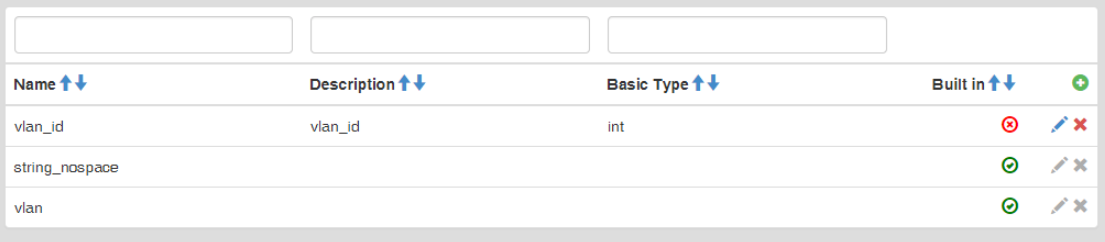
Substitutions
The list of substitutions displays all records defined in the system. The table provides the following information:
- Name: The unique name of the substitution.
- Description: A brief explanation of what the substitution identifies.
- Basic Type: The default data type assigned to variables created from this substitution.
- Built in: Indicates whether the substitution is a system-integrated default.
- Click the Plus icon in the upper right corner of the main table.
- Enter the following details:
- Name: Enter a name for the parsing rule.
- Description: Enter a description for the parsing rule.
- Basic Type: Select the data type that will be assigned to the resulting variable.
- Regex Test: Enter the regular expression pattern.
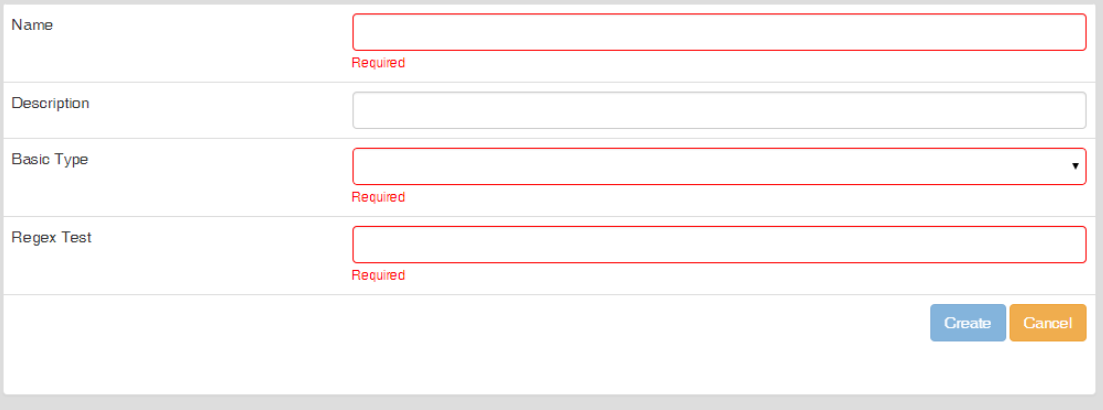
Adding a substitution
To modify a substitution, click the Pencil icon located in the corresponding row.
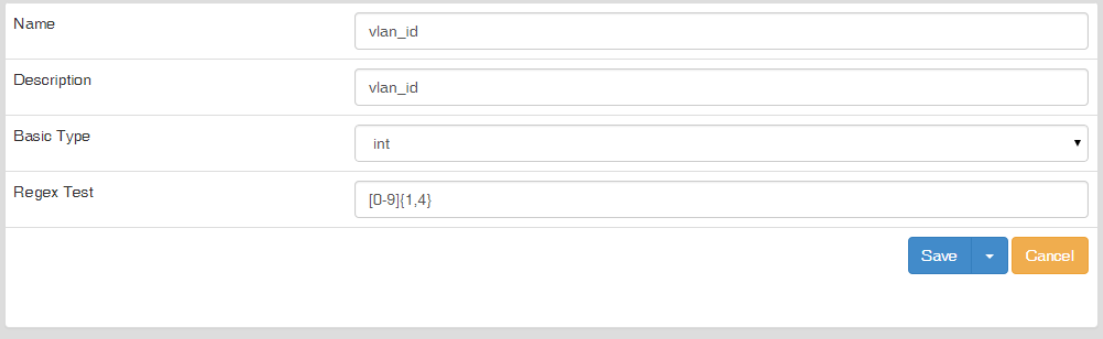
Editing a substitution
The editing form is identical to the creation form.
Note: Built-in substitutions are read-only and cannot be edited or deleted.
To remove a substitution, click the Cross icon in the corresponding row. Confirm the action in the deletion dialog.
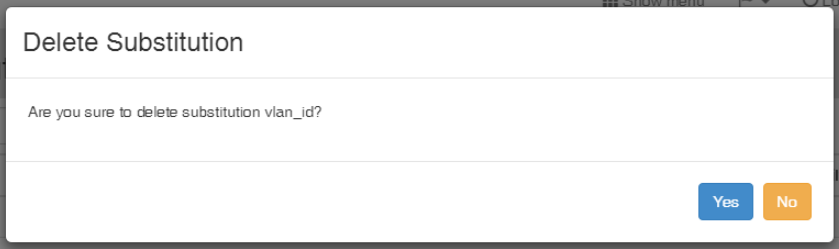
Deleting a substitution