
Syslog output
The output function allows messages received by the Logmanager server to be forwarded to another server. The message passes through the entire Logmanager system, where metadata is added and parsers are applied. Finally, it is transformed into one of the selected output formats (see below) and sent via the TCP protocol.
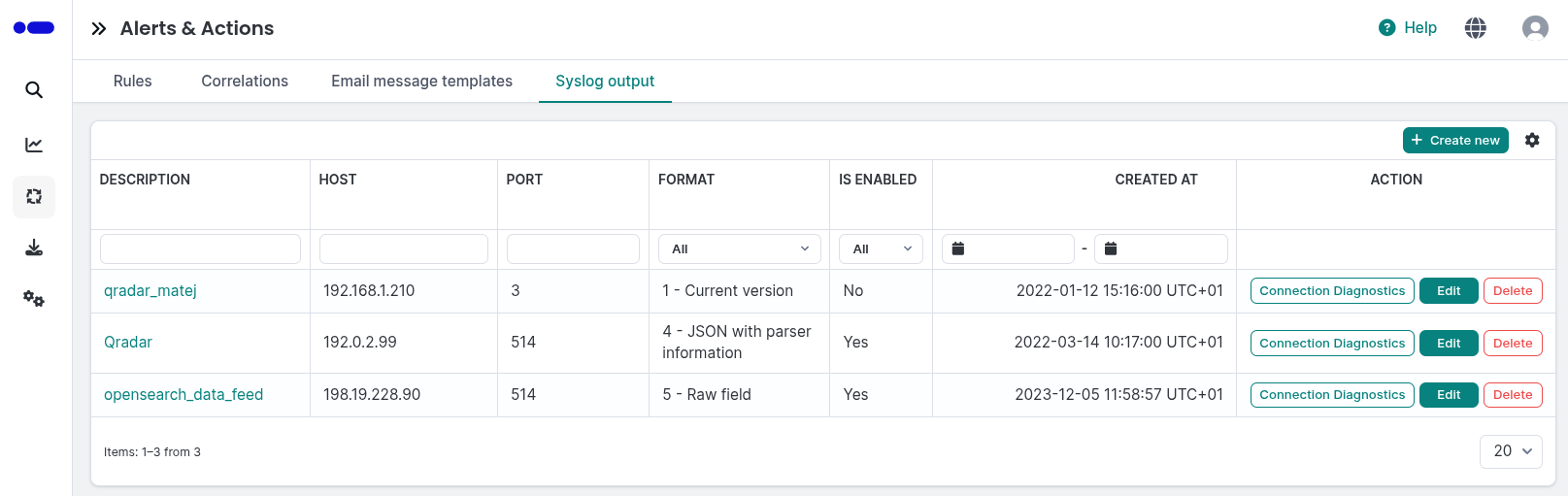
Syslog outputs
The table provides the following information:
- Description: User-defined name or description of the output destination.
- Host: IP address or FQDN.
- Port: Network port.
- Format: The selected message format version.
- Is Enabled: Indicates if the output is currently active.
Filter fields are located above the table. You can filter data by any single column. When using filters above more columns, the AND term is applied.
You can add, edit, or delete Syslog outputs.
If the remote side is not responding or is unable to accept messages, the messages will be lost.
To verify that logs are being correctly sent to the external server, click the Connection Diagnostics button at the end of the row. This redirects you to the Discovery (OpenSearch) section, pre-filtered to show events related to that specific syslog output.
- Click the Create new button in the upper right corner to open the configuration form.
- Enter the following details:
- Is enabled: Use the toggle to activate or deactivate the output.
- Description: Enter a unique description for this connection.
- Syslog output format: Select one of the 6 available message format versions.
- Host: Enter the destination IP address or FQDN (required).
- Port: Enter the destination port (required).
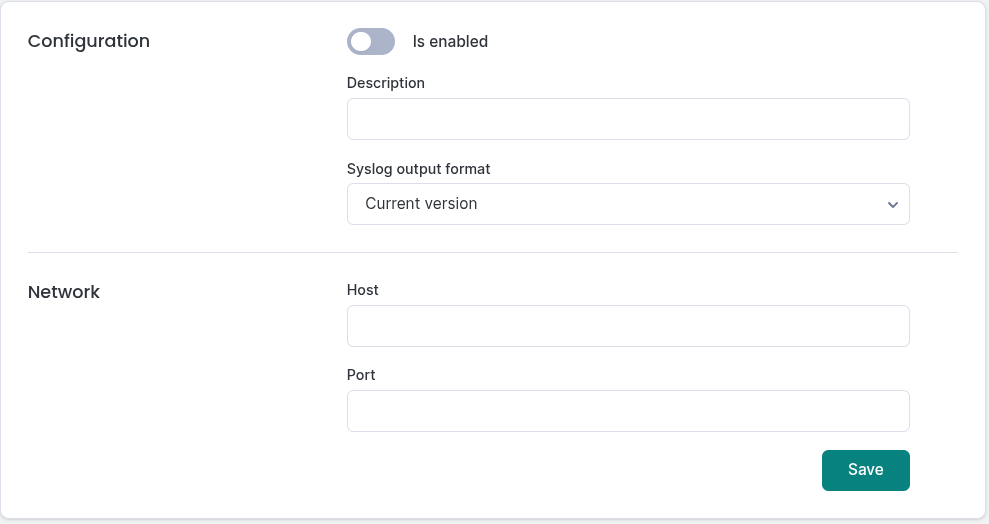
Adding a syslog output
To edit a syslog output, click the Edit button at the end of the row. The form is identical to the creation form.
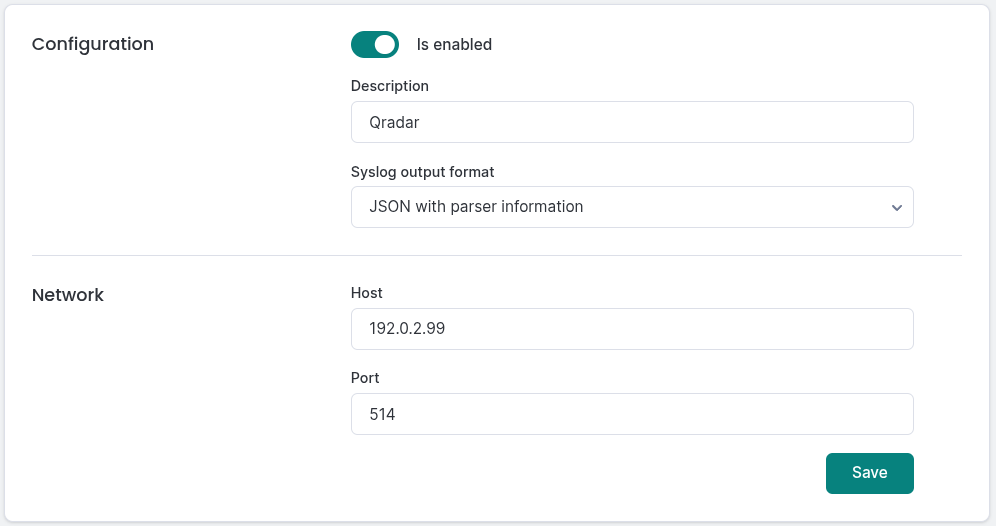
Editing a syslog output
To delete a syslog output, click the Delete button at the end of the row. Confirm the action in the deletion dialog.

Syslog outputs delete popup
To ensure the sending to a remote server, you must create an alert. See Rules for more information.
Logmanager provides 6 specific message format versions for syslog forwarding. Each version changes how the header and payload are constructed before being sent via TCP.
-
Current version
- Used for legacy purposes.
-
Forward original message
- Format:
<PRIVAL_from_original_message>'msg.meta.timestamp - formated as MMM D HH:mm:ss' LM.'msg.meta.parser'.'msg.meta.src.ip@ip.ptr' forwarder: 'msg.raw' - Example:
<123>Mar 3 12:30:53 LM.fortigate.fg.office.ad forwarder: <123> program data data data
- Format:
-
Forward Logmanager JSON message with source IP address information
- Format:
<PRIVAL_from_original_message>'msg.meta.timestamp - formated as MMM D HH:mm:ss' LM.'msg.meta.parser'.'msg.meta.src.ip@ip.ptr' forwarder: 'msg' - Example:
<123>Mar 3 12:30:53 LM.fortigate.fg.office.ad forwarder: {"meta":{"src_ip":"8.8.8.8"}}
- Format:
-
Forward Logmanager JSON message with parser information
- Format:
<PRIVAL_from_original_message>'msg.meta.timestamp - formated as MMM D HH:mm:ss' LM.'msg.meta.parser' forwarder: 'msg' - Example:
<123>Mar 3 12:30:53 Logmanager.fortigate forwarder: {"meta":{"src_ip":"8.8.8.8"}}
- Format:
-
Forward unchanged/original raw field
- Format:
'raw' - Example:
<123>Mar 3 12:30:53 hostname: message
- Format:
-
Forward original raw field with source ip information and original syslog headers
- Format:
<PRIVAL_from_original_message>'msg.meta.timestamp - formated as MMM D HH:mm:ss' 'meta.src.ip' forwarder: 'raw' - Example:
<123>Mar 3 12:30:53 "meta.src.ip" forwarder: "raw"
- Format: